
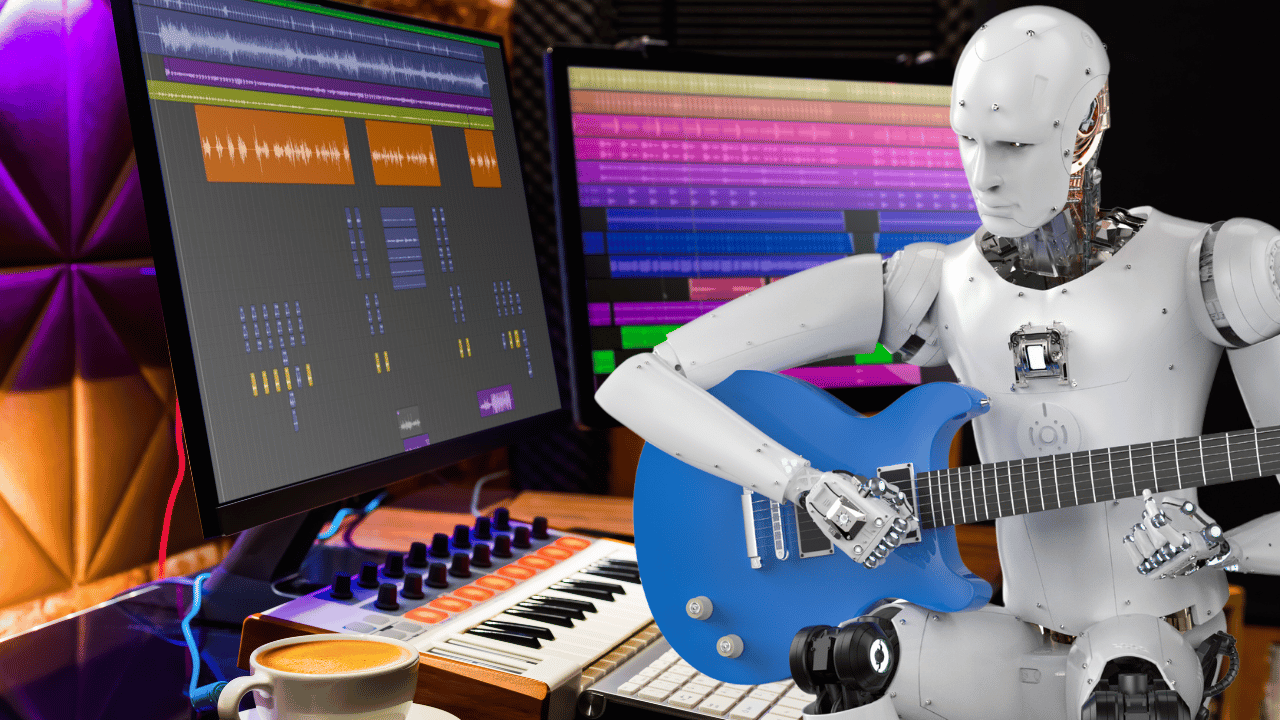
A decade ago, producing a professional-sounding music track required a recording studio, expensive software, a sound engineer, and years of musical training. Today, a teenager with a laptop and a free account on an AI music platform can generate a fully produced song — complete with vocals, harmonies, and mixing — in under five minutes. AI music production is no longer a futuristic concept. It is an accessible, practical, and increasingly essential skill for content creators, entrepreneurs, marketers, and hobbyist musicians alike.
If you are completely new to the world of AI music production, this guide is your starting point. You will learn what AI music production actually is, how the underlying technology works, which tools are best for beginners, how to create your first track, and what to watch out for as you grow your skills.
What Is AI Music Production?
AI music production refers to the use of artificial intelligence — specifically machine learning models trained on vast libraries of music — to generate, compose, arrange, or enhance audio tracks. These systems analyze patterns across millions of songs to learn how genres, instruments, tempos, melodies, chord progressions, and lyrics interact. When you type a prompt like “relaxing jazz piano for a coffee shop,” the AI draws on that training to synthesize a new, original piece of music that matches your description.
It is important to understand that AI music production is not simply copy-pasting existing songs. The models generate entirely new audio compositions that do not directly reproduce any specific copyrighted work. This is what makes the technology both legally viable and creatively exciting — every track you produce is unique.
There are several distinct types of AI music tools:
- Text-to-music generators — You describe what you want in plain language and the AI produces a track (e.g., Suno, Udio)
- AI composition assistants — Tools that help musicians compose melodies, chord progressions, and arrangements (e.g., AIVA)
- Stem generators — Platforms that produce individual instrument layers for mixing (e.g., Soundraw)
- Adaptive music engines — Systems that generate continuous, mood-matched audio streams for apps and content (e.g., Mubert)
For beginners, text-to-music generators are the most accessible entry point because they require zero music theory knowledge.
How Does AI Music Generation Work?
Understanding the basics of how AI music generation works will help you use these tools more effectively and set realistic expectations for your output.
Modern AI music generators are built on deep learning architectures — primarily transformer models and diffusion models — similar to those that power large language models and image generators. These models are trained on enormous datasets of audio recordings, MIDI files, sheet music, and metadata (such as genre tags, mood labels, and instrument annotations).
During training, the model learns the statistical relationships between:
- Tempo and genre (e.g., drum and bass typically runs at 170 BPM)
- Instrumentation and mood (e.g., minor key strings evoke sadness)
- Song structure and listener expectations (e.g., a chorus typically arrives after two verses)
- Vocal phrasing and lyrical patterns within specific genres
When you submit a prompt, the model uses this learned knowledge to generate audio token by token — constructing the waveform or MIDI data that corresponds to your description. Some platforms generate audio directly as waveforms (like Suno), while others produce MIDI data first and then render it through virtual instruments (like AIVA).
The practical implication for beginners is simple: the more descriptive and specific your prompt, the closer the AI’s output will be to your vision. The model is not guessing randomly — it is making learned predictions based on millions of musical examples.
Getting Started: Your First AI Music Track
Creating your first AI music track is easier than you might expect. Here is a step-by-step walkthrough using Suno, the most beginner-friendly platform available in 2026.
Step 1: Create a Free Account
Visit Suno’s website and sign up for a free account. The free tier gives you enough credits to generate several tracks per day — more than enough to experiment and learn the basics. No credit card is required.
Step 2: Write Your First Prompt
Click “Create” and type a description of the music you want. For your first attempt, keep it focused and specific. Here are some beginner-friendly prompt templates:
- “Upbeat acoustic pop song about chasing your dreams, female vocalist, 110 BPM, bright and optimistic”
- “Relaxing lo-fi hip hop instrumental with rain sounds, jazzy chords, and soft vinyl crackle”
- “Cinematic orchestral piece for a heroic moment, full strings, brass, and dramatic percussion”
Step 3: Generate and Compare Variations
Suno will generate two variations of your prompt simultaneously. Listen to both carefully. Pay attention to which one better captures the mood, energy, and instrumentation you envisioned. This comparison process trains your ear and helps you refine future prompts.
Step 4: Iterate and Refine
If neither variation is exactly right, modify your prompt and generate again. Common refinements include:
- Adjusting the described tempo (“slower, around 80 BPM”)
- Specifying the emotional arc (“starts quiet and builds to an epic climax”)
- Adding or removing instruments (“no electric guitar, focus on piano and strings”)
- Changing the vocal style (“male vocalist, raspy and emotional”)
Professional AI music users rarely accept the first generation. Iteration is the core creative skill in AI music production.
Step 5: Download Your Track
Once you are satisfied with a generation, download it in MP3 or WAV format. At this point, you have created your first AI music track — congratulations.
Key Concepts Every Beginner Should Know
As you move beyond your first few experiments, there are several foundational concepts that will significantly improve the quality of your AI music output.
BPM (Beats Per Minute)
BPM is the measure of a track’s tempo. It directly affects the energy and feel of music. A general reference guide:
- 60–80 BPM — Slow, relaxed (ballads, ambient, meditation)
- 80–110 BPM — Mid-tempo (pop, indie, acoustic)
- 110–140 BPM — Upbeat (dance-pop, hip hop, Latin)
- 140–180 BPM — Fast and energetic (EDM, drum and bass, punk)
Specifying BPM in your prompts gives the AI precise tempo guidance and produces more consistent results.
Key and Scale
Musical key refers to the tonal center of a piece. Major keys (e.g., C major, G major) sound bright and happy. Minor keys (e.g., A minor, D minor) sound darker and more emotional. You don’t need to understand music theory in depth to use these terms — simply including “major key” or “minor key” in your prompt will meaningfully affect the emotional quality of the output.
Song Structure
Professional tracks follow a structure. For pop and commercial music, the standard is: Intro → Verse → Chorus → Verse → Chorus → Bridge → Final Chorus → Outro. Mentioning structural preferences in your prompts — such as “include a quiet bridge” or “build to a climactic final chorus” — helps the AI produce a track that flows naturally rather than repeating loops.
Stems and Mixing
A stem is an isolated audio layer — the drums alone, the vocals alone, the bass alone, and so on. When platforms offer stem export (as Suno and AIVA do on paid plans), you gain the ability to adjust the balance between instruments. This is the gateway to post-production, where you can take a good AI track and refine it into a great one using a Digital Audio Workstation (DAW).
Common Beginner Mistakes to Avoid
Learning from common pitfalls will accelerate your growth and save you considerable frustration:
- Being too vague with prompts — Generic prompts produce generic results. “Make a good song” tells the AI nothing useful. Describe genre, mood, instrumentation, and tempo every time.
- Accepting the first generation — The first output is a starting point, not a finished product. Always generate multiple variations.
- Ignoring licensing terms — Never publish AI-generated music commercially without confirming you have the appropriate license. Free plan outputs are usually restricted to non-commercial use.
- Skipping post-production — Even a brief equalization pass and volume normalization in a free audio editor like Audacity will make your track sound significantly more polished.
- Using the wrong tool for the project — A text-to-song tool like Suno is not the right choice for generating background music for an app. Match the tool to the use case.
Free vs. Paid Plans: What Do Beginners Actually Need?
For beginners, free plans are an excellent way to learn the core workflow and develop your prompting skills without any financial commitment. Here is a realistic assessment of what free tiers offer in 2026:
- Suno Free — ~5 songs per day, non-commercial use, watermarked downloads on some formats
- Udio Free — 10 songs per month, limited commercial rights
- AIVA Free — 3 downloads per month, non-commercial, watermarked
- Mubert Free — Limited track generation, no commercial license
- Soundraw Free — Preview only, no downloads without subscription
The general rule is: use free plans to learn, invest in a paid plan when you are ready to publish or monetize. Most beginner-level paid plans start between $10 and $15 per month — a fraction of the cost of hiring a human composer or licensing a stock music library.
Where to Take Your Skills Next
Once you are comfortable generating tracks and iterating on prompts, here are the natural next steps to elevate your AI music production skills:
- Learn basic DAW skills — GarageBand (free on Mac) and Audacity (free on all platforms) are excellent starting points for editing and mixing AI stems
- Study music theory fundamentals — Even a basic understanding of chord progressions and song structure will dramatically improve the specificity of your prompts
- Explore niche genres — Experiment with styles outside your comfort zone; AI tools are particularly impressive in genres like lofi, ambient, and orchestral
- Join AI music communities — Platforms like Suno and Udio have active user communities where beginners share prompts, techniques, and feedback
- Experiment with hybrid workflows — Combine AI-generated stems with live-recorded instruments for a uniquely human-AI collaborative sound
The Bottom Line
AI music production in 2026 is genuinely beginner-friendly, remarkably capable, and commercially viable for the right use cases. The most important skill is not technical knowledge — it is learning to communicate your creative vision clearly through prompts. Start with a free account, experiment without pressure, and iterate consistently. Within a few weeks, you will be producing tracks that rival what professional libraries charge hundreds of dollars to license. The studio has come to you — all you have to do is start.